Record pixel-perfect Android gameplay without a capture card.
DoppelCast turns the USB cable you already own into a capture card. Pick your resolution, bitrate, and frame rate, plug in, and record straight to your PC. No dongle, no HDMI splitter, no subscription.
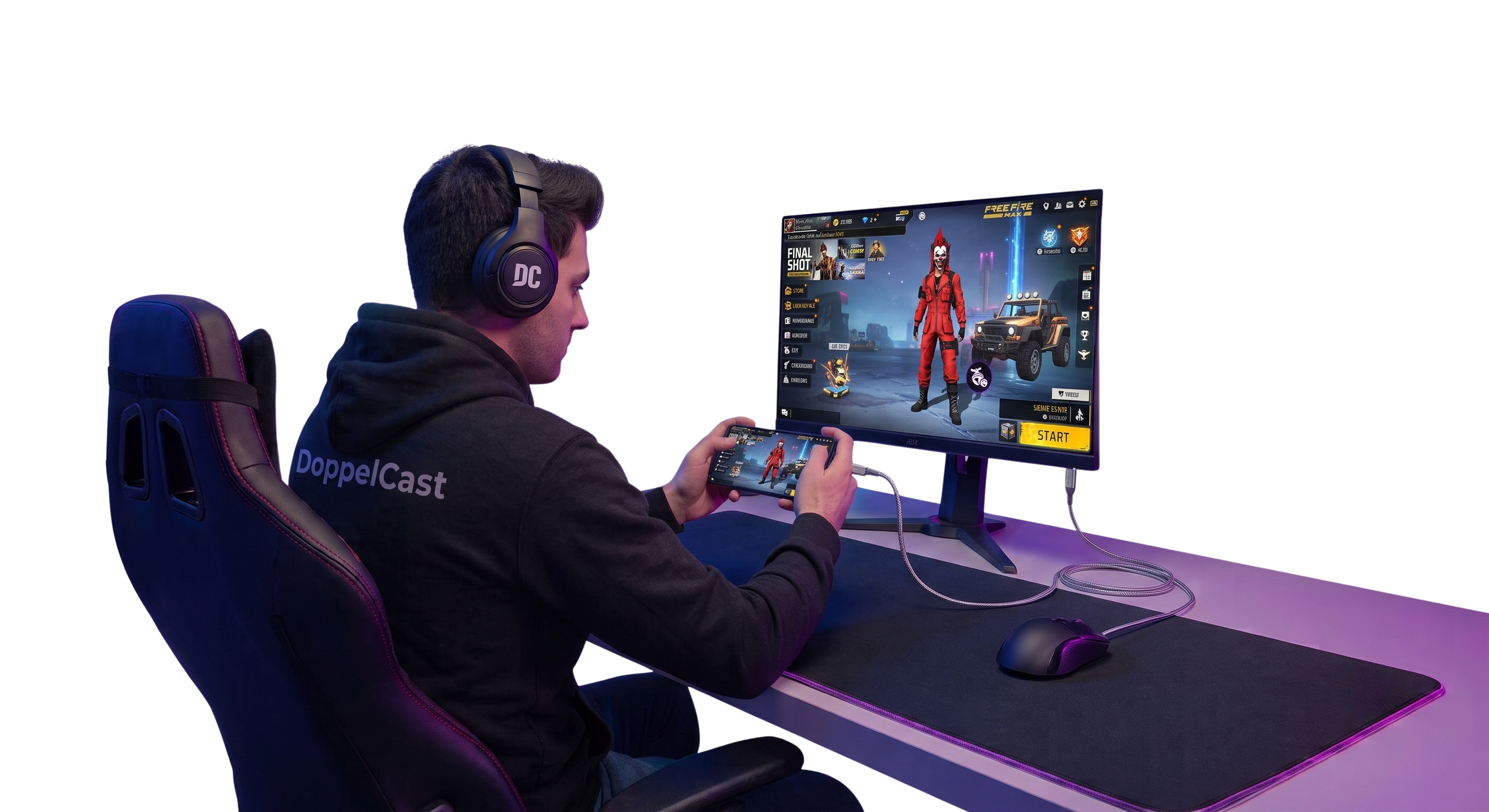
Three steps between you and a recorded clip.
No firmware, no capture drivers, no second PC. If your phone can talk to ADB, it can talk to DoppelCast.
Plug in your phone
Connect your Android device to your PC over USB and enable USB debugging when prompted. DoppelCast detects it automatically.
Set your quality
Choose resolution, frame rate, and bitrate independently — from a lightweight 1080p30 clip to a full-bitrate native-res capture.
Hit record
Capture lands on your PC as a ready-to-edit file. Stop whenever you want — no proprietary container, no re-encode required.
The hardware box was never the interesting part.
A capture card just moves pixels from one cable to another. DoppelCast reads the same signal straight off the device.
| Capture card | Vysor / ApowerMirror | DoppelCast | |
|---|---|---|---|
| Upfront cost | $150 – $400 | Free tier, then $10–40+ | $0 |
| Extra hardware | Card, HDMI splitter, drivers | The USB cable you already have | The USB cable you already have |
| Interface | Manufacturer software | Simple GUI | Simple GUI, nothing to type |
| Resolution / bitrate | Capped by the card model | Capped on the free tier | Fully adjustable in the app |
| Frame rate | Model-dependent, often capped at 60 | ~30fps on the free tier | Matches what your device can output |
| Watermark / ads | — | On the free tier | None |
| Source code | Closed | Closed | Open, MIT licensed |
Every dial a capture card locks down, unlocked.
Any resolution
From a data-light 480p up to your phone's full native display resolution.
Any frame rate
30, 60, 90, or 120fps — whatever your device's panel and game can actually push.
Any bitrate
Dial from a lightweight 5 Mbps up to broadcast-grade 100+ Mbps VBR or CBR.
H.264 & H.265
Pick the codec that matches your editor, your upload target, or your storage budget.
Synced device audio
Pull audio straight from the device in sync with video — no separate mic routing.
Built on ADB, not drivers
Uses the USB debugging bridge already on your phone. Nothing new to install on Android.
Get the latest build.
Pulled live from GitHub Releases — always the newest tagged version.
Scanned on VirusTotal
Every release is scanned before publishing. View the latest scan report ↗
Reproducible builds
Compiled straight from this repo by GitHub Actions — the exe matches the source, no hidden build step.
SHA-256 checksums
Published on every release page so you can verify the file yourself before running it.
DoppelCast is, and always will be, free.
No telemetry, no paywalled bitrate tiers, no "pro" version waiting behind a login. Read the code, fork it, or send a pull request.